
Radiska Text
A simple plain text editor for iPad and Mac: tabs, line numbers, find and replace. Your unsaved changes are safe, and the file changes only when you save it.
Platforms: iPad · Mac
Free, with no ads and no account. If you like, you can leave an optional tip.
Coming soon to the App Store
Screenshots
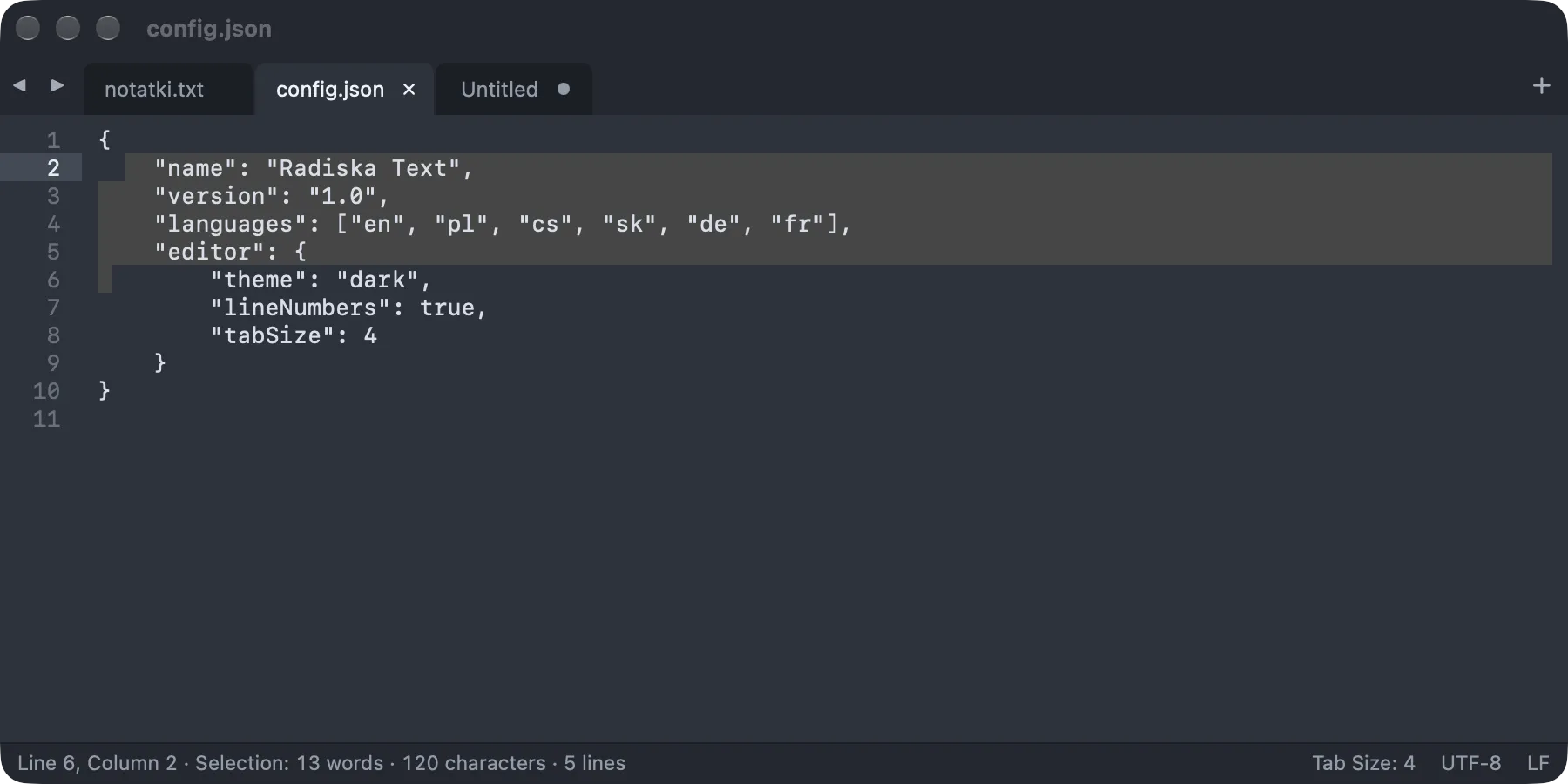
Mac: tabs, line numbers and the status bar 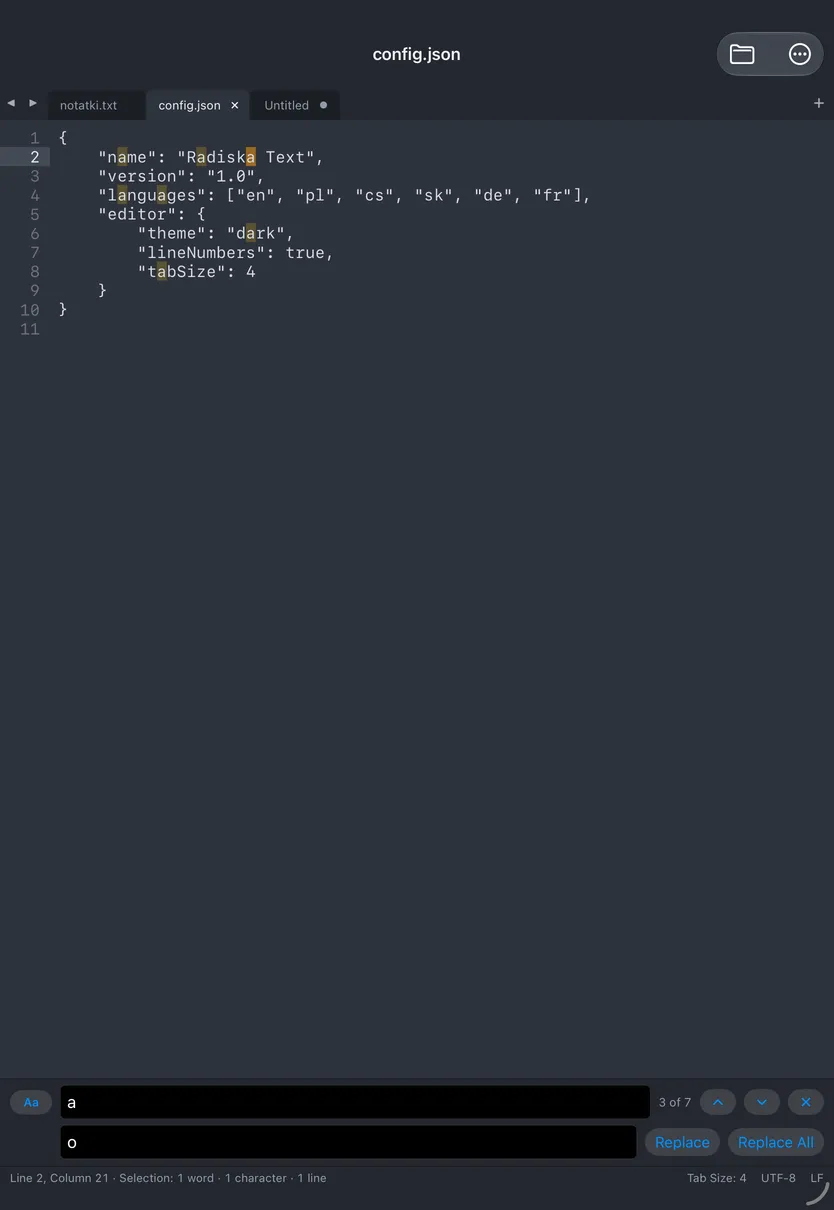
iPad: find and replace


Radiska Text is an editor for people who simply want to open a text file, fix it and save it: notes, lists, configuration files, CSV data or old files with Central European characters in windows-1250. It looks and works like the classic programmers’ editors, but has nothing that plain text doesn’t need.
Nothing gets lost. Every change goes into a working copy inside the app within a second, in untitled tabs too. After you quit the app, turn off your device or after a crash, your tabs come back just as they were. The file itself changes only when you choose Save; until then, the tab shows a dot.
The app is free, with no ads and no account, and it collects no data. If you find it useful, you can buy its maker a radish in the About Radiska Text window: One Radish, A Bunch of Radishes or A Crate of Radishes. A tip doesn’t unlock anything: every feature is there for everyone.
Main features
- Tabs in every window, line numbers and line wrapping.
- Find and replace: every match is highlighted, a counter shows which match you’re on, and selected text goes straight into the search field.
- Go to line, indentation, and duplicating, moving and deleting lines with keyboard shortcuts.
- Many encodings: UTF-8, UTF-16, windows-1250, ISO-8859-2, windows-1252 and ISO-8859-1. The app recognizes them by itself and saves a file with the same encoding and line endings it was opened with.
- A safe working copy: unsaved changes are saved automatically inside the app, and the original changes only when you save it.
- When you open the app again, all your tabs come back, unsaved ones included, with the cursor where it was.
- A warning when another app changes the file or it goes to the Trash: someone else’s changes are never overwritten silently.
- A status bar with the cursor position, the word, character and line counts, indentation, encoding and line endings.
- A dark, light or system theme, and a choice of font and size.
- Files on your device, in iCloud Drive, in the Files app and in the Finder.
Languages in the app
- English
- Polski
- Deutsch
- Français
- Čeština
- Slovenčina
Requires iPadOS 26 or later, or macOS 26 or later.